Control every document revision, from draft to approved
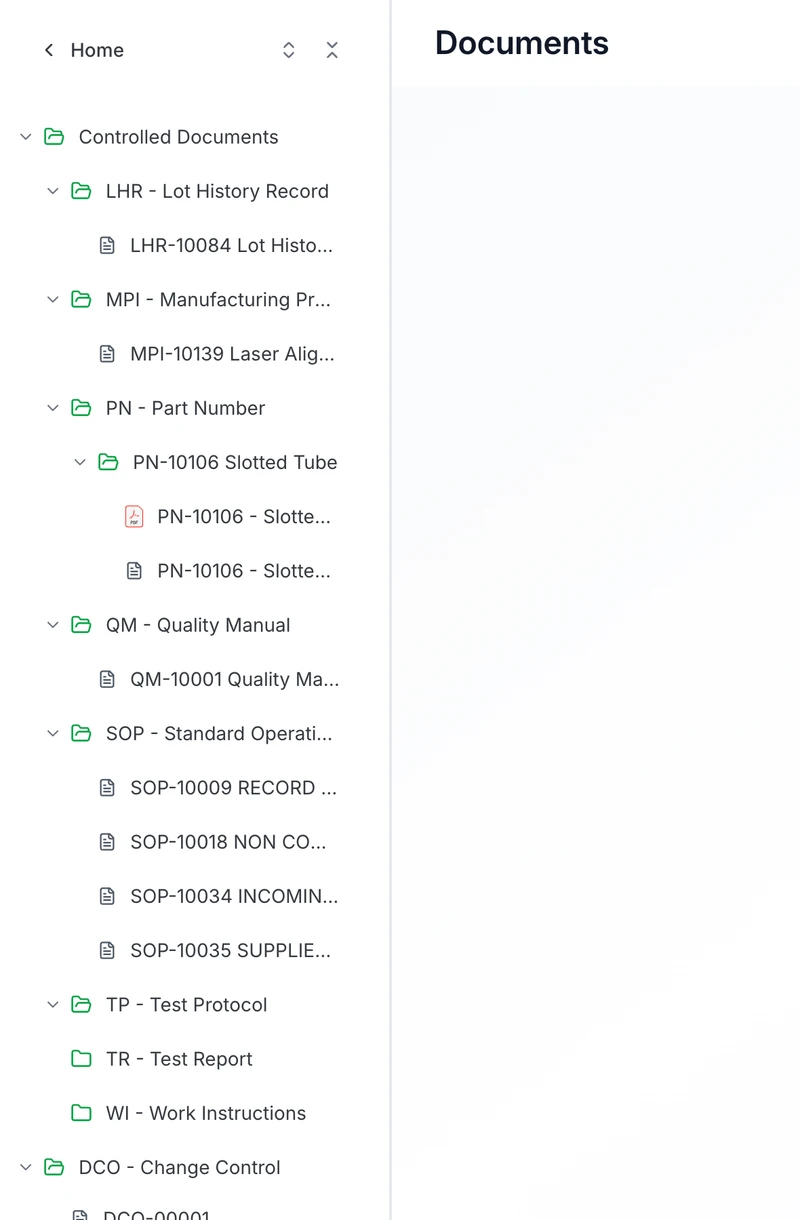
Document control with auto-numbering and records

Medical device teams control documents, sign approvals and ask an AI assistant about their own records. It's live, and we're still building it with the client.
 SaaS for medical device companies
This SaaS quality management system (QMS) gives medical device companies one place to run documents, approvals and training, and Techuz has built it with the client for over a year. At its heart is an AI assistant with 55 tools that can search, summarise and act on a company's own records. Every change it makes needs a person's confirmation.
The client sells a quality management system to medical device companies. Its users keep a company's quality system in order: document owners, reviewers and approvers, with roles from org admin down to viewer.
Most of them start with a quality system kept in Word, Excel and shared drives.
Medical device companies answer to FDA and ISO rules for every document change, approval and training record. Yet many still keep all of it in folders and spreadsheets.
The product's whole point is to get the quality system out of folders. The tricky part was moving all of that into one system without losing control of a single record.
Three choices shaped this platform. We built e-signatures into the product, gave the AI assistant real tools with a person in control, and gave every customer its own search space.
The platform first used an outside e-signature service, Zoho Sign. We replaced it with signing built into the platform itself.
Here's how it works. When someone signs, they enter their password again and say what their signature means. The platform saves a fingerprint of exactly what was signed and creates a signature certificate as a PDF.
If a review is abandoned, its pending signatures are cancelled, and each one is logged. Five wrong passwords in 15 minutes lock signing for 30 minutes.
The assistant has 55 tools: 32 that read records and 23 that change them. Every change needs the user to confirm it, and that rule lives in the code, not in the prompt.
When the assistant changes something, it goes through the same doors as the app's own screens. So the same checks and permissions apply whether a person clicks a button or asks the assistant.
Each customer's documents go into their own separate space in Pinecone, the search database behind the assistant.
A model that follows through. We switched the assistant's default model from GPT‑4.1 Mini to Claude Sonnet 4, because GPT‑4.1 Mini didn't use its tools reliably. Every model is reached through our backend, so no API key ever reaches the browser.
One collaboration server. Live co-editing keeps each document's state in memory, so it runs on a single server by design.
Quality teams now work in one web app for documents, changes, training and signatures. The client runs the business side from a SuperAdmin console, and one form engine sits under both the app and the API.
Document control with auto-numbering and records
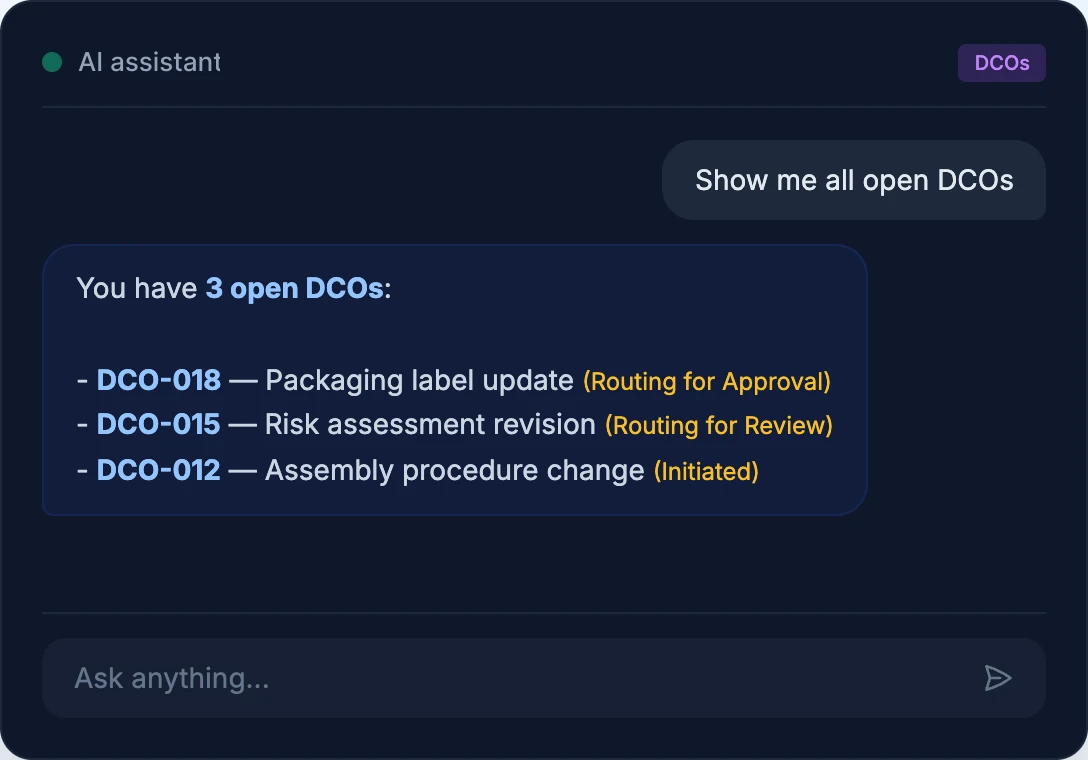
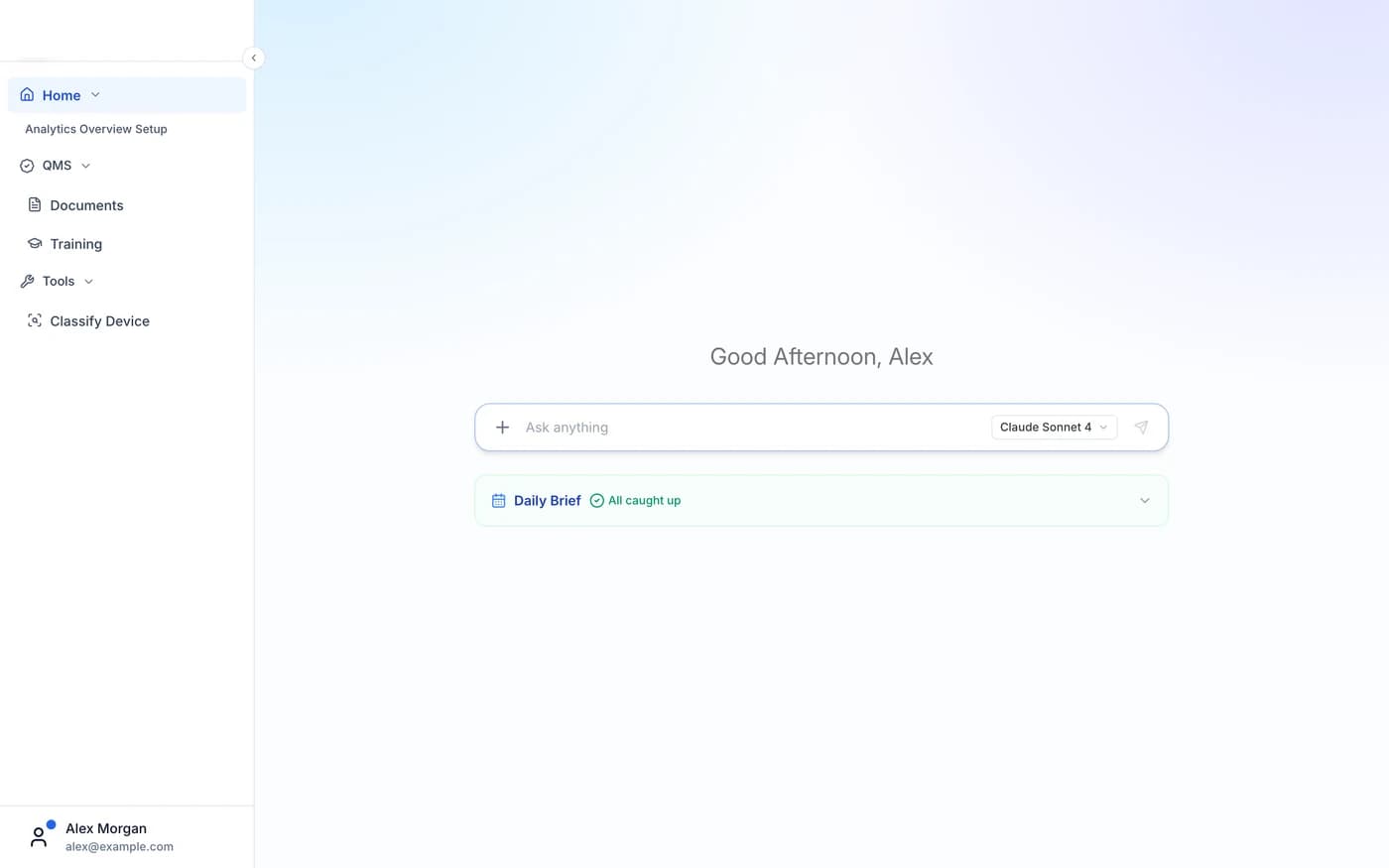
The AI assistant, searching the company's released documents
This is a long-running project, and we ship new work one release at a time. We work with the client across separate development, testing and production environments.
The first production release went out about six months in. The full platform launch followed about four months later, and more than 20 releases have gone live since.
5people
The platform is live, and new releases keep going out. Quality teams now run documents, approvals, training and signatures in one place instead of folders and spreadsheets. Recent work made it cheaper to run and quicker to load.
The AI cost figure varies by model. Figures from the project's release history.
Several people can edit one document at once
Models stay behind our backend
Yes, an AI assistant can safely change records in a regulated system if the guardrails live in the code. Here, the assistant can't change a record until the user confirms it.
To build e-signatures for FDA 21 CFR Part 11, check the signer's identity again at the moment of signing, record what the signature means, and keep proof of exactly what was signed. On this platform, all of it happens inside the product, with no outside signing service.
To stop one customer's data appearing in another's AI answers, give each customer its own search space. Here, the assistant can only ever search the records of the company that's asking.
The first production release went out about six months into the project, the full platform launch followed about four months later, and more than 20 releases have gone live since.
The assistant uses Claude Sonnet 4 by default and Claude Haiku 4.5 for summaries, both through OpenRouter behind our backend, plus GPT-4o for device classification and OpenAI embeddings stored in Pinecone.
Tell us what you're building. We reply within 24 hours and send a ballpark estimate within 48.