Book whole-property or phase inspections
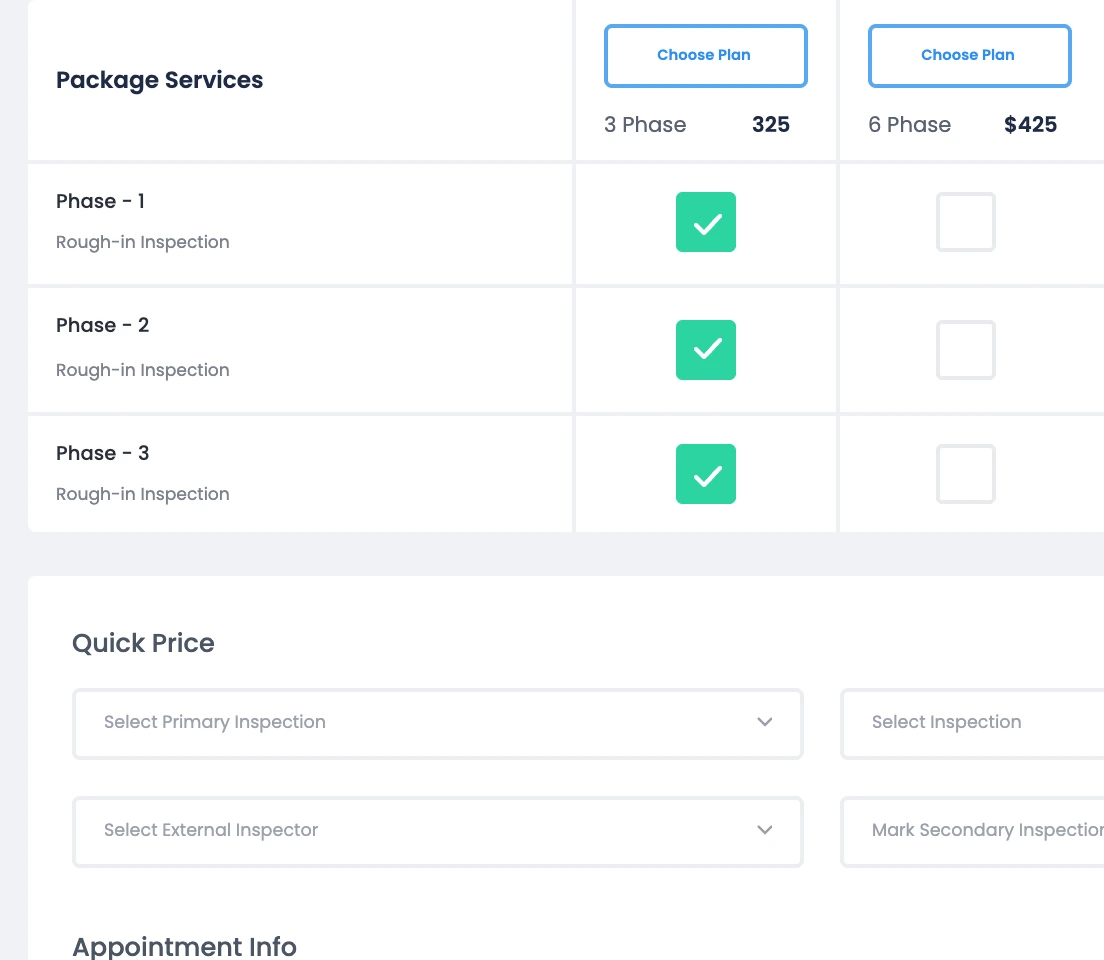
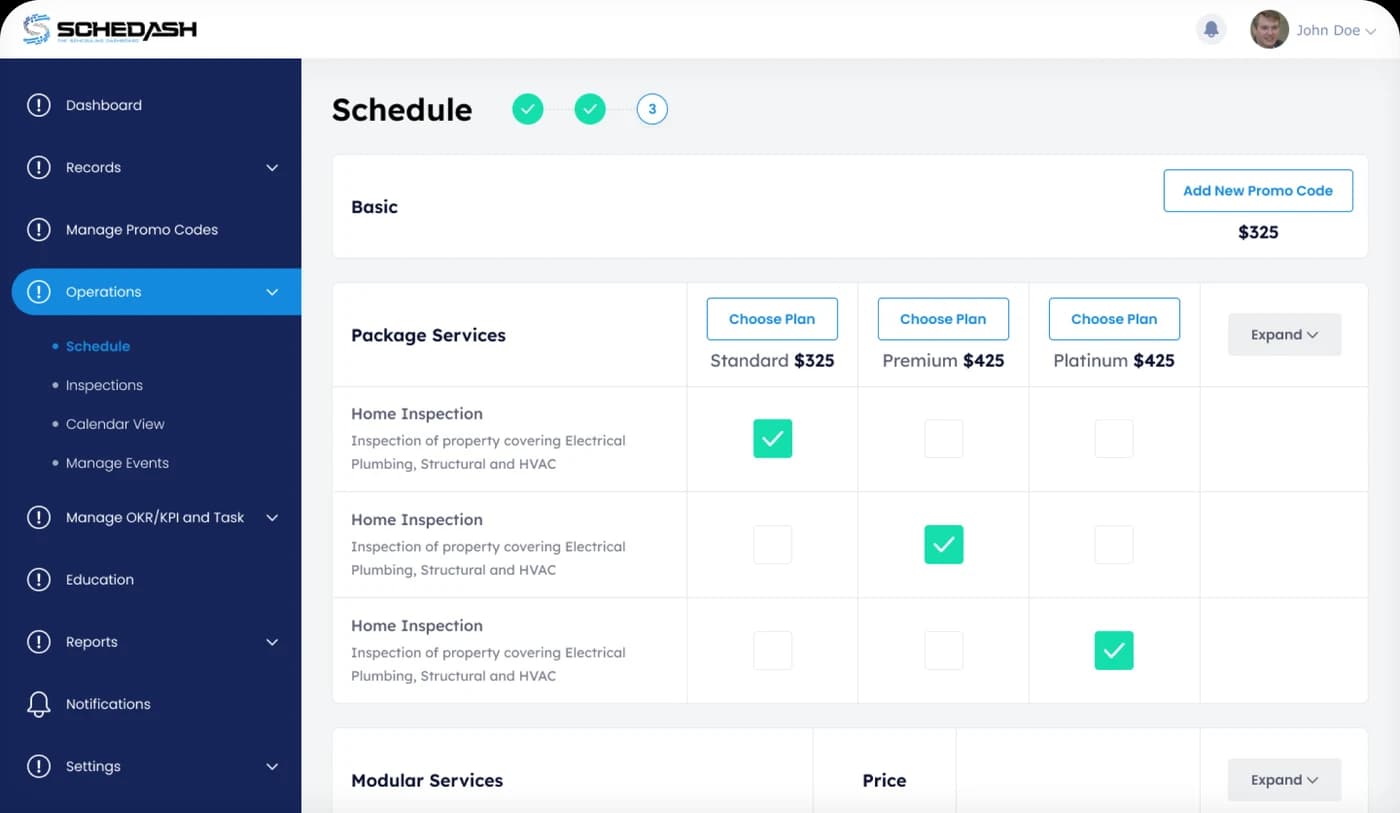
Inspection scheduling in the dashboard

Inspection companies book inspections, write reports with photos and send PDFs with estimates and proposals to customers and realtors. It runs behind a login, with no public site.
 Property inspection software
This web application helps property inspection companies schedule inspections, manage their customers and realtors and send inspection reports. Inspectors fill in a report template and add photos, and the platform turns it into a PDF report. Techuz designed and built it over about 20 months, and it now produces more than 800 reports a month.
The client makes a scheduling dashboard with a built-in CRM, a tool for managing customer relationships, for property inspection companies in the USA.
Four kinds of user work in it: employees, realtors, vendors and customers. Finished reports go to the customer or the realtor.
Every inspection produces sections, ratings, comments and photos. The client needed all of it stored cleanly and turned into a report fit to send.
The tricky part was growth. As users and data grew, the platform had to stay fast and keep every record correct.
Three choices shaped this platform. We built reports from templates with an admin review step, designed the database around inspection data, and tested performance as the data grew.
Every report starts from a template, and the admin team sees it before it goes out.
Here’s how it works. An inspector picks a template, fills in its sections, ratings and comments, and attaches photos. The admin team then opens the filled template and can make edits.
Next, the PDF is built in the background, with estimates and a proposal prepared with the sales team. It then goes to the customer or the realtor.
Inspection data has its own shape: sections, items, ratings, comments and photos. We designed the MySQL database around it, and every entry is validated and cleaned before it’s saved.
Photos live in S3, Amazon’s file storage, and the servers run on AWS EC2.
More users meant more inspection data and heavier queries. We ran load tests, tuned slow queries and server settings, and added caching, which keeps frequently used data close at hand.
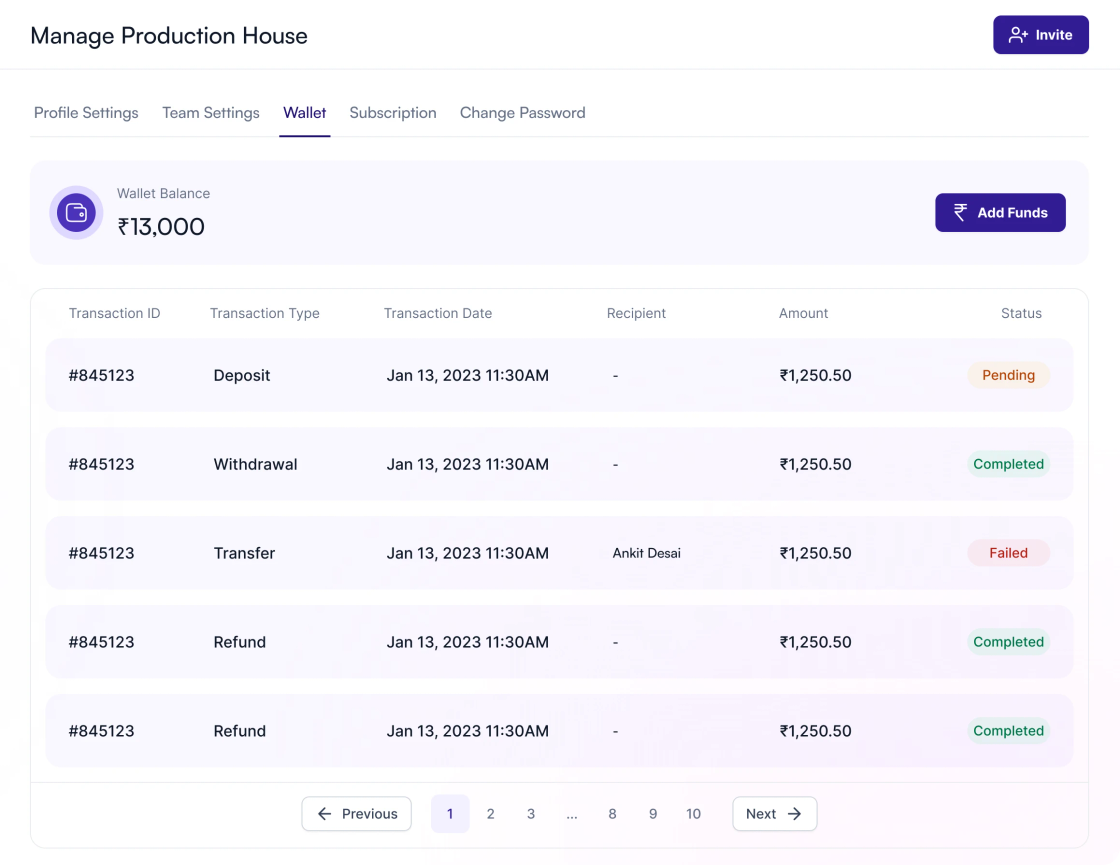
We built one web application for the whole inspection business, where each user has their own access. Customers and realtors receive the finished reports. The client manages users, roles and subscriptions from the same app.
Inspection scheduling in the dashboard
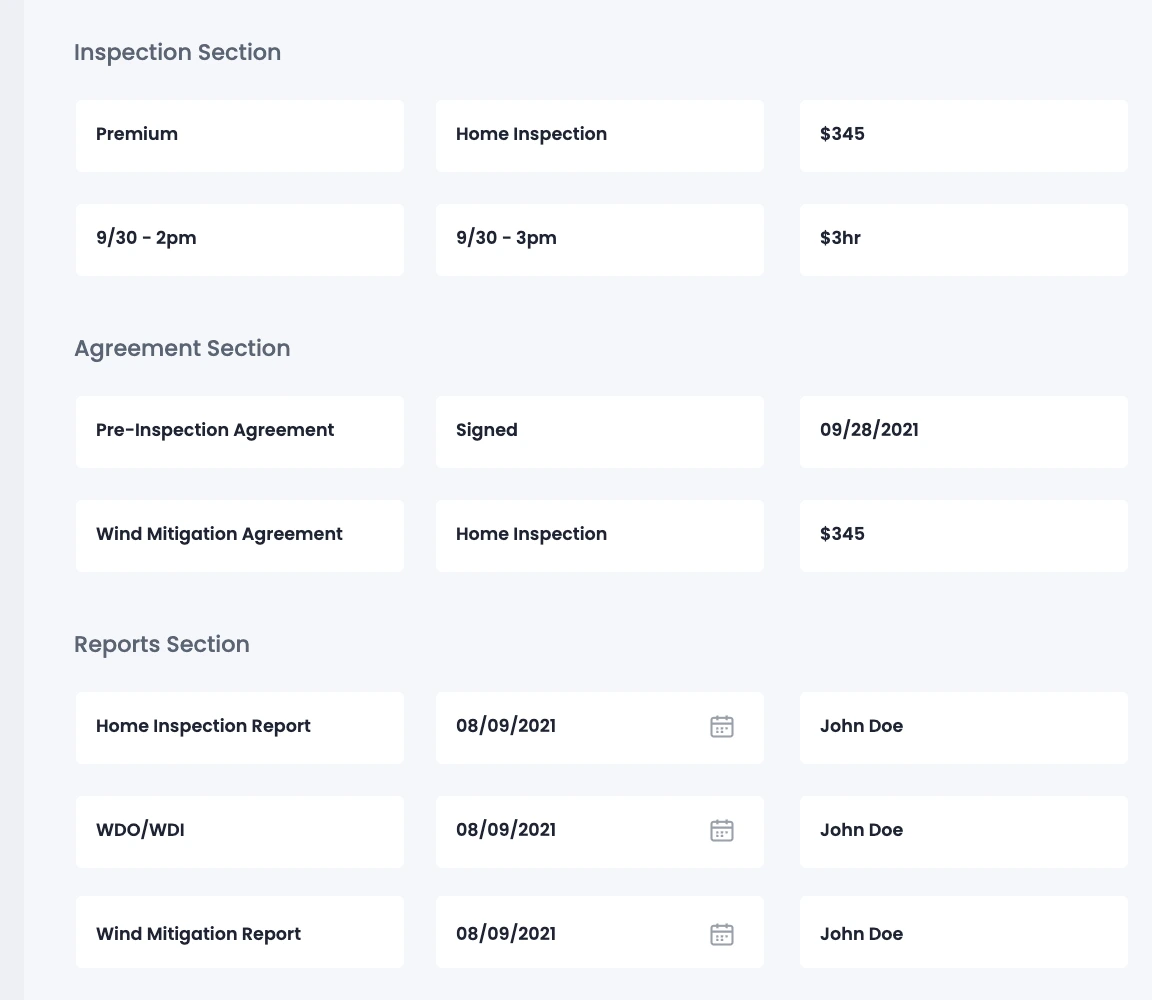
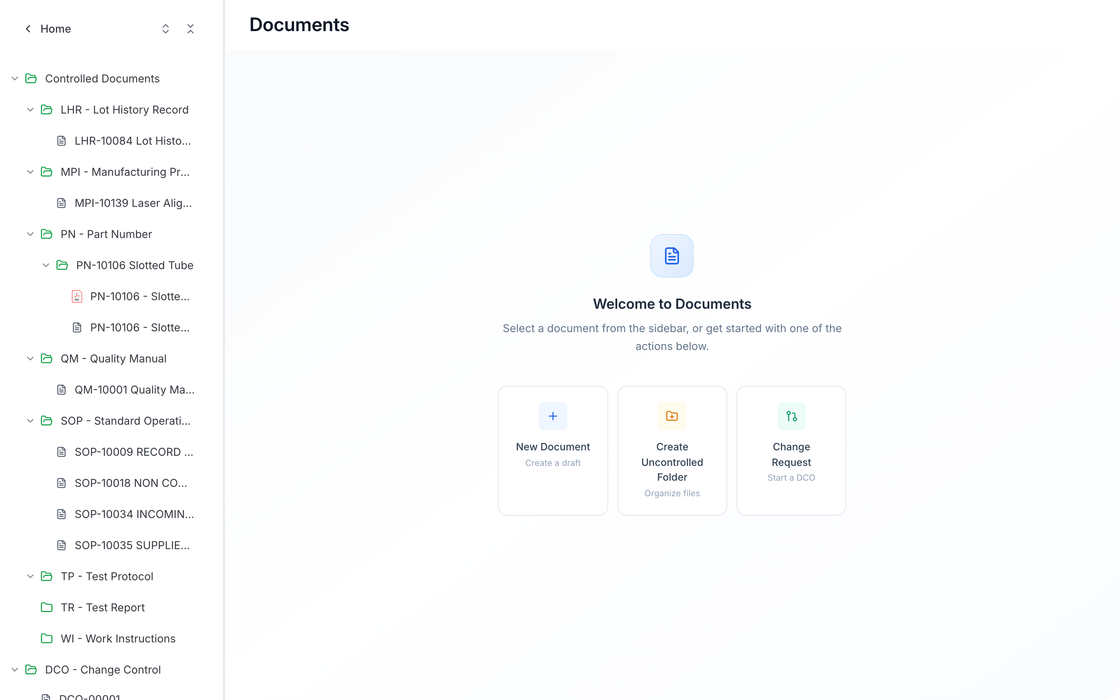
Template reports with photos, reviewed by the admin team, then built as PDFs
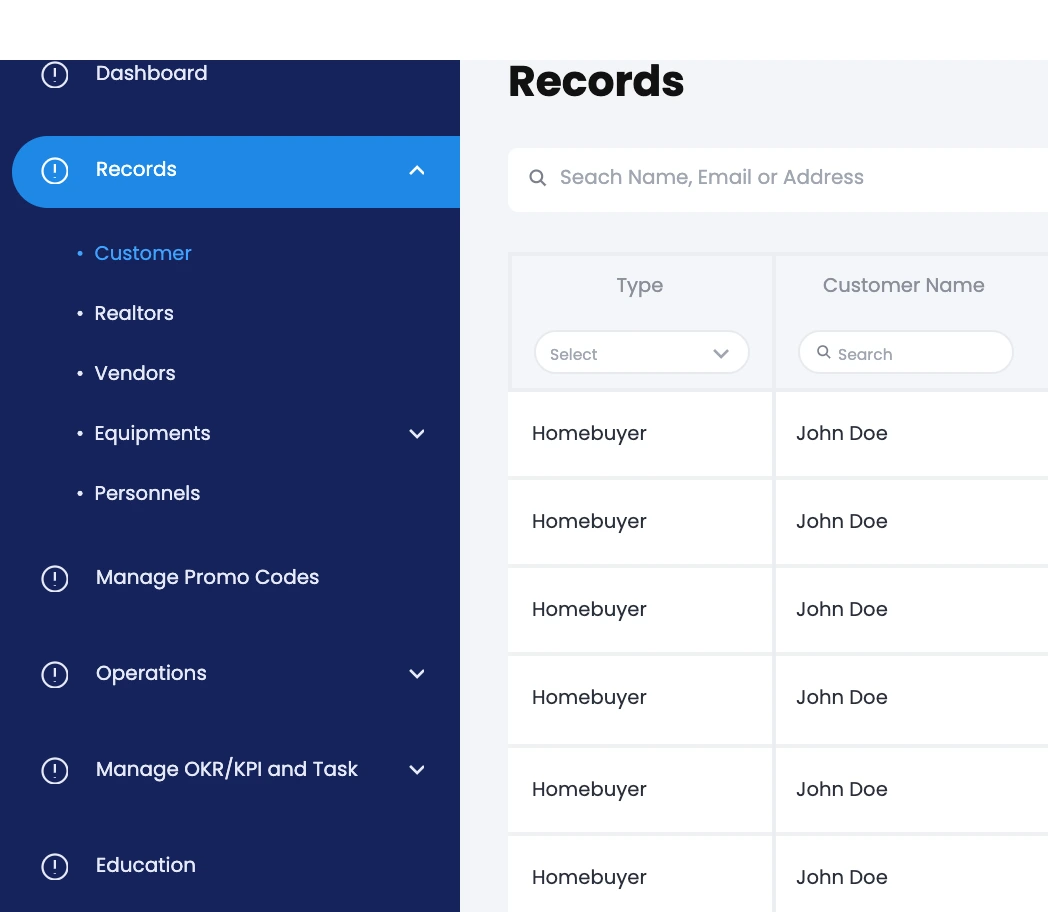
User management for realtors, vendors, employees and customers
The project ran as a Waterfall, where each stage is planned and agreed before the next one starts. We began with wireframes and UI/UX design, then built and tested the web application.
8people
The platform now produces more than 800 inspection reports a month. Each one goes out as a PDF with estimates and a proposal. The office sees every booking and task in one dashboard.
Report volume shared by the team.
Very flexible on the project’s needs and upfront about any deliverables impacted. Most impressive was their ability to take my requirements, build a scope document and follow it.

5.0 out of 5 on Clutch, Feb 2024
Kevin LewisCEO, Schedash
A common way is to have the inspector fill in a template, then turn the finished template into a PDF. Here, the PDF is built in the background and includes estimates and a proposal.
Templates give every report the same structure, whoever writes it. In this project, inspectors fill in each template’s sections, ratings and comments before the PDF is built.
Yes, with role-based user management, so each person sees only what they need. This platform runs four roles in one web application.
Tell us what you're building. We reply within 24 hours and send a ballpark estimate within 48.